Quick verdict
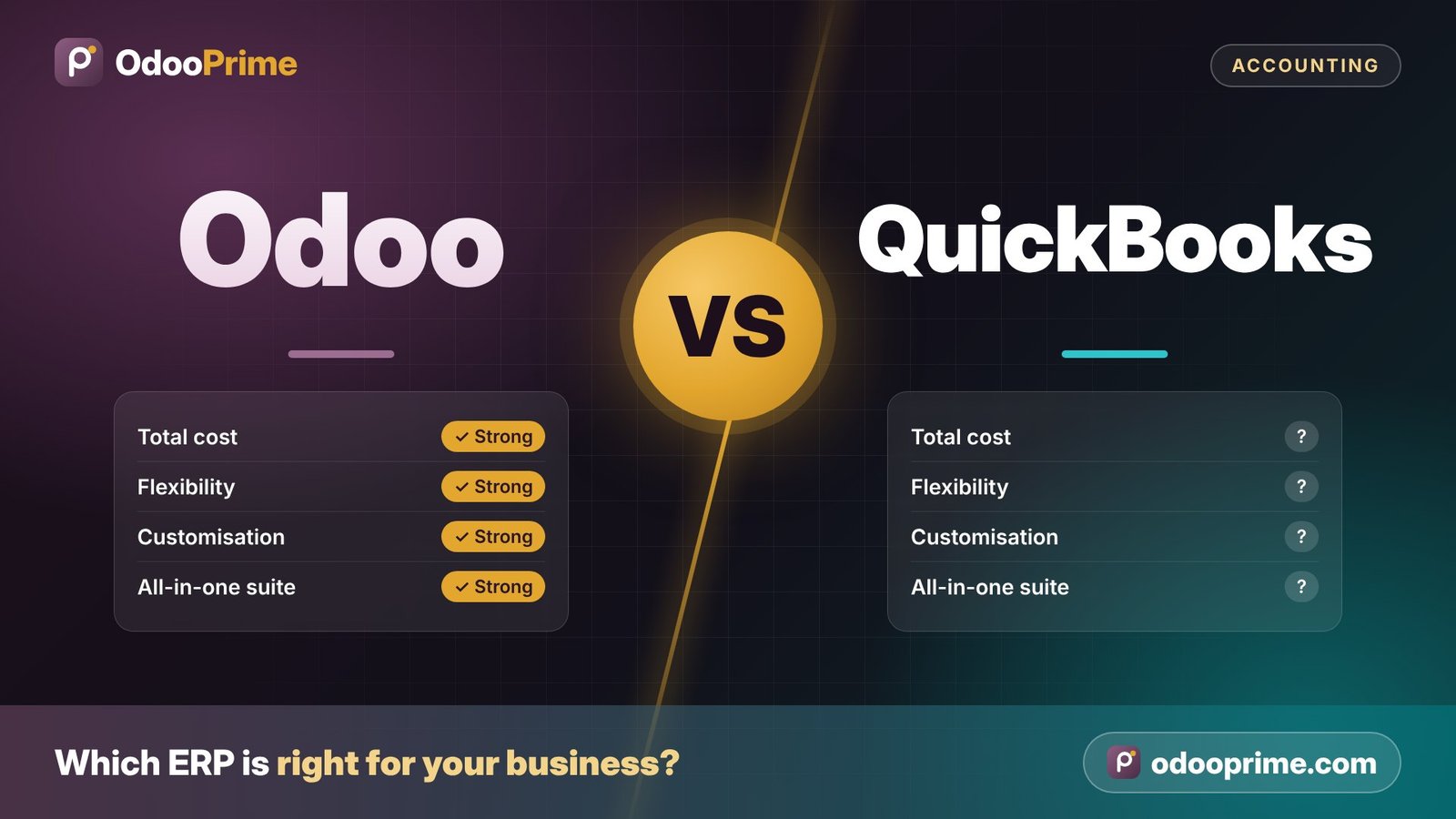
QuickBooks is great for simple bookkeeping. Choose Odoo when you have outgrown it and need operations, stock, sales and finance in one system.
Choose Odoo if…
- You manage stock or production
- You run multiple companies or currencies
- You rely on spreadsheets around QuickBooks
Consider QuickBooks if…
- You only need simple bookkeeping
At a glance
Odoo vs QuickBooks — side by side
| Odoo | QuickBooks | |
|---|---|---|
| Type | Full ERP and business suite | Small-business accounting |
| Inventory | Multi-warehouse, lots, serials, routes | Basic inventory |
| Manufacturing | Full MRP | Not included |
| CRM & eCommerce | Built in | Via third-party apps |
| Users & scale | Scales to large teams and companies | Best for small teams |
| Customisation | Open framework | Limited, via apps |
Based on general product positioning. Editions, features and pricing change — we confirm current details for your case. Trademarks belong to their owners.
Strengths
Where each platform stands out
Where Odoo stands out
- Grows with you beyond accounting
- Inventory, manufacturing and CRM included
- Multi-company and multi-currency
- Automation across departments
Where QuickBooks is strong
- Simple and familiar for small businesses
- Many accountants know it
- Low entry cost
Migration
Moving from QuickBooks to Odoo
We migrate QuickBooks customers, vendors, items, open invoices and bills and opening balances into Odoo and reconcile them before go-live.
Assess
Review your current setup, data and integrations.
You get: A migration plan
Map
Map QuickBooks data and processes to Odoo apps.
You get: Data and process mapping
Test migration
Migrate a copy and reconcile key figures with you.
You get: Verified test database
Go live
Final migration, training and hypercare support.
You get: Your business running on Odoo
Further reading
Related articles
VAT Automation in Odoo for UAE Companies
How Odoo automates UAE VAT calculation, returns and compliance.
Top 10 Benefits of Odoo for Small Businesses
Why small businesses choose Odoo for accounting, CRM, inventory and more in one system.
Odoo ERP Cost in Dubai
Community vs Enterprise pricing and implementation costs for UAE businesses.
More comparisons
Compare Odoo with other systems
ERP
Odoo vs SAP
Choose Odoo for a broader, more flexible suite at a lower total cost and faster rollout.
ERP
Odoo vs Dynamics 365
Choose Odoo for an all-in-one suite with lower licence cost and more built-in apps.
ERP
Odoo vs NetSuite
Choose Odoo for comparable breadth, more flexibility and lower subscription cost.
Accounting & ERP
Odoo vs Sage
Choose Odoo when you need more than accounting — one system for sales, stock, operations and finance.
CRM
Odoo vs SugarCRM
Choose Odoo when you want CRM connected to sales, inventory, invoicing and projects in one system.
FAQ
Frequently asked questions
When should we move from QuickBooks to Odoo?
When stock, production, multiple entities or manual spreadsheets start slowing you down.
Can you migrate QuickBooks history?
Yes — master data, open transactions and balances, with history available for reference.
Is Odoo harder to use?
Odoo has more functionality, but role-based setup and training keep it simple for each user.
Is Odoo a good alternative to QuickBooks for businesses in the UAE and India?
Yes, for most small and mid-sized businesses. Odoo includes localisation for UAE VAT and India GST, multi-currency and multi-company accounting and Arabic language support, and O Prime implements and supports it from Dubai and Kerala. Whether Odoo or QuickBooks is the better fit depends on the points compared above.
Cost, customisation and fit
Odoo vs QuickBooks: cost, customisation and long-term fit
QuickBooks is accounting software for small businesses; Odoo is an ERP that includes accounting. Most companies compare them when QuickBooks plus several add-on apps starts to feel like too many systems.
How the cost is structured
QuickBooks Online is a monthly subscription in tiers, with user limits that rise with each tier. Odoo Enterprise is priced per user, and Odoo Community is free. QuickBooks is usually cheaper for accounting alone; Odoo becomes better value when it replaces separate tools for inventory, CRM, projects and eCommerce.
Customisation and developers
QuickBooks is extended through its app marketplace and API, so each extra need usually means another subscription. Odoo is extended with its own apps in the same database, or with custom modules written in Python, so reports and workflows can cover the whole business.
Which businesses usually pick which
- QuickBooks: small businesses with simple accounting and a bookkeeper who knows it well
- Odoo: growing companies with inventory, manufacturing or projects that QuickBooks handles only through add-ons
- Odoo: multi-company groups that need consolidated reporting and intercompany flows
Considering QuickBooks or Odoo?
Tell us about your business — we will give you an honest recommendation and, if Odoo fits, a clear implementation plan.